Backup discovery
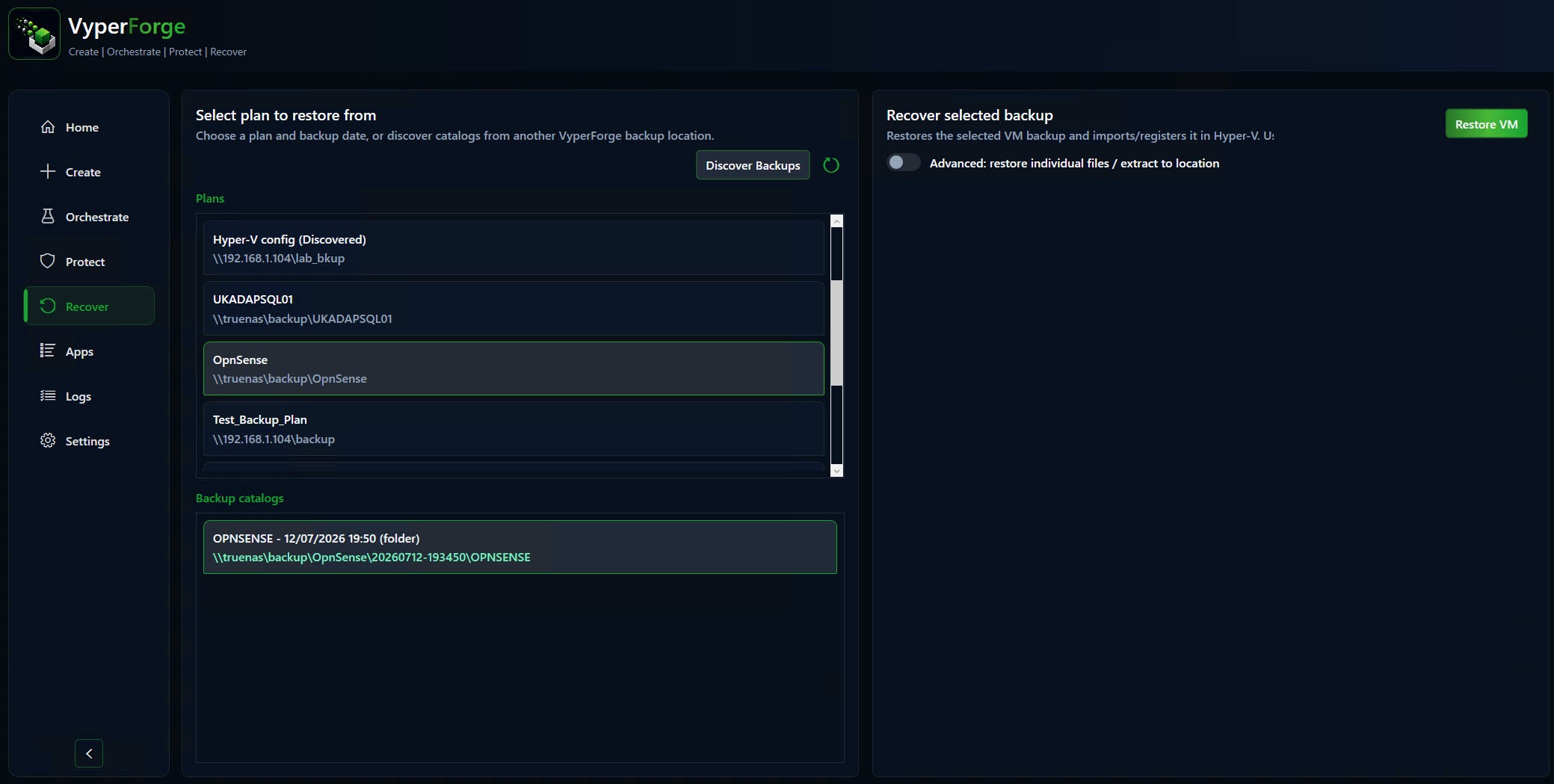
Find and browse available recovery points.
- Filter
- Sort
- History
- Verification state
Recover
Recover helps locate backups, verify files, diagnose compatibility problems, remediate destination-host differences and retry interrupted restore workflows.
What problem does this solve?
Restoring a VM is rarely just a file copy. The destination host may have different switches, missing ISO paths, saved-state issues or existing VM conflicts.
VyperForge brings discovery, verification, compatibility diagnostics and remediation into one recovery workflow so the operator can see what needs to be fixed.
Typical workflow
Capabilities
Find and browse available recovery points.
Choose the right import path for the destination host.
Validate backup content before trusting the restore.
Avoid starting from zero after interrupted transfers.
Surface host compatibility issues before they derail the recovery.
Remediate networking differences between source and destination hosts.
Restore individual files where a full VM restore is unnecessary.
Restore supporting configuration when the host itself has changed.
Key decisions
Choose whether to restore in place, import elsewhere, recover selected files or rebuild from known-good configuration.
Check host, storage and switch differences before import so recovery blockers are surfaced early.
Keep restore decisions visible so teams know what was recovered, when it happened and which source was used.
Operational notes
Recover focuses on controlled recovery rather than panic-driven file hunting.
The practical value is in understanding the restore path before the restore begins.
Product screens
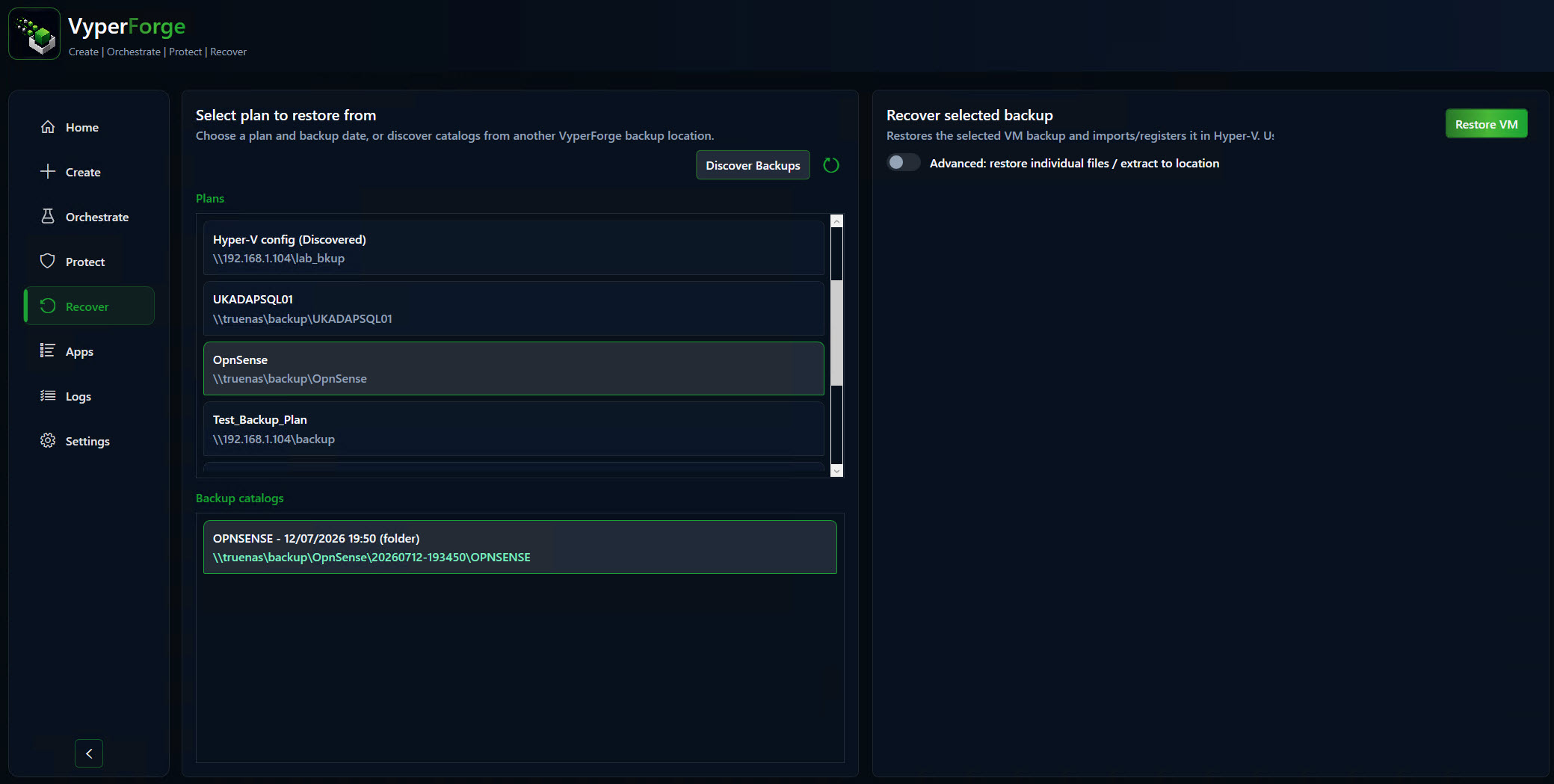
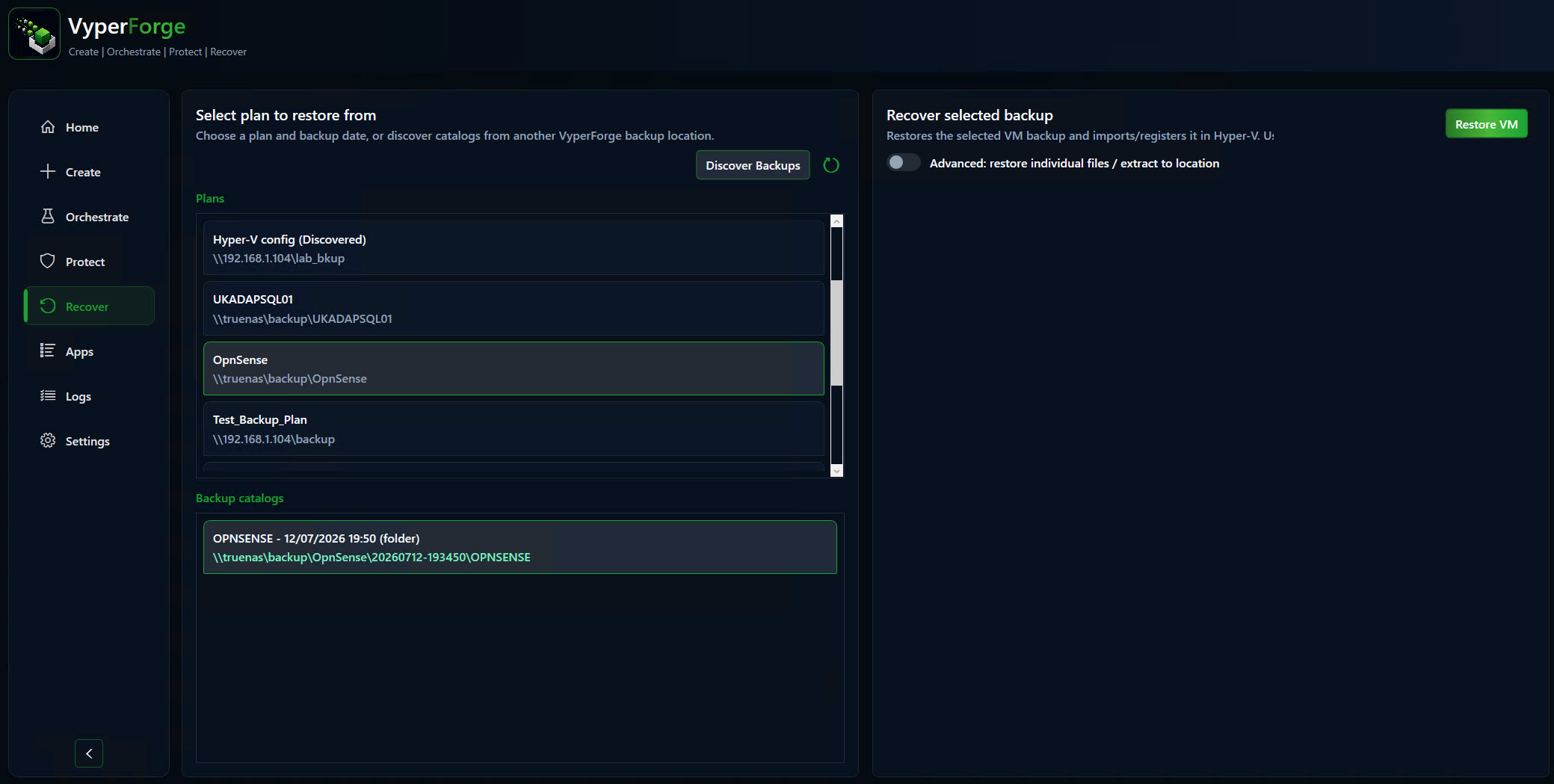
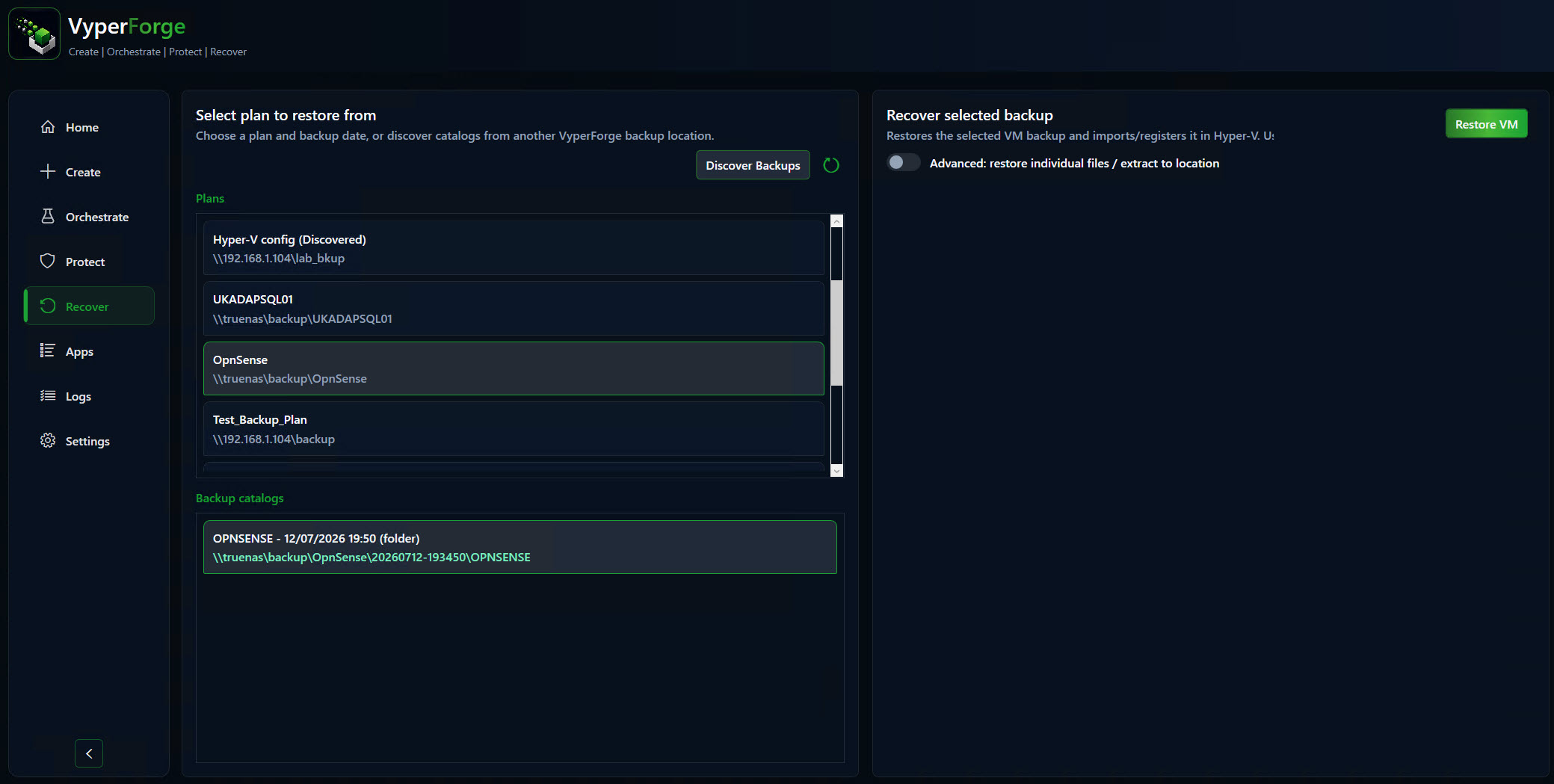
Product screens from the current beta build show how this capability appears in the desktop app.
Why VyperForge?
Example scenario
A broken lab VM can be recovered to a new host while compatibility findings highlight switch or storage differences before the import runs.
Real-world examples
Related platform areas