Private Beta Registration Now Open -> Join the Beta

Home / Platform

Create

Provision Hyper-V environments without rebuilding the same decisions by hand.

Create turns host resources, build standards, images, installation media and validation checks into repeatable VM provisioning workflows.

What problem does this solve?

Practical infrastructure work, made repeatable.

Native Hyper-V can create virtual machines quickly, but the repeated operational decisions still live in people’s heads, spreadsheets, scripts and old build notes.

VyperForge brings the creation process into one repeatable workflow: choose the source, define Hyper-V settings, validate the host and optionally hand the completed machine straight to orchestration.

Typical workflow

How the workflow usually runs.

Choose provisioning sourceConfigure Hyper-V settingsSelect storage and networkApply Windows deployment profileValidate host resourcesBuild VMLaunch orchestration plan

Capabilities

What Create covers.

Provisioning sources

Start from the source that fits the job rather than forcing every build through one path.

  • Gold images
  • Windows ISO
  • PXE boot
  • Existing VHDX
  • Blank VM
  • VM templates

Hyper-V configuration

Capture the VM settings that usually become repeated manual clicks.

  • Generation 1 and 2
  • Virtual processors
  • Dynamic memory
  • Secure Boot
  • Checkpoints
  • Automatic start and stop actions

Storage and networking

Keep storage, switch and adapter choices consistent across repeated builds.

  • Fixed or dynamic VHDX
  • Existing disks
  • Multiple virtual disks
  • Storage locations
  • Virtual switch selection
  • VLAN assignment

Windows deployment

Use unattended installation profiles to standardise Windows setup.

  • Language and region
  • Time zone
  • Product key
  • Local administrator
  • Auto logon
  • OOBE configuration
  • Custom unattend.xml

Gold images

Create and reuse known-good bases for faster, cleaner environment builds.

  • Image versions
  • Default images
  • Metadata
  • Network storage
  • Dependencies

Validation

Catch obvious build failures before the workflow starts.

  • Storage validation
  • ISO validation
  • Switch validation
  • Host resource validation
  • Duplicate names
  • Permission checks

Key decisions

What to decide before you run it.

Source choice

Use ISO, PXE, VHDX, templates or gold images depending on whether the build needs to be clean, fast, patched, disposable or repeatable.

Host fit

Check CPU, memory, switch and storage choices before the build starts so failures appear as actionable findings instead of half-created machines.

Windows standard

Keep unattended setup decisions in profiles so region, OOBE, administrator and first-boot behaviour do not drift between operators.

Operational notes

How this fits real work.

Create is strongest when the same environment has to be rebuilt repeatedly: labs, training platforms, test rigs and validation environments.

The goal is not to hide Hyper-V. It keeps the native concepts visible, but turns the repeated decisions into a controlled workflow.

Product screens

See the workflow in VyperForge.

Product screens from the current beta build show how this capability appears in the desktop app.
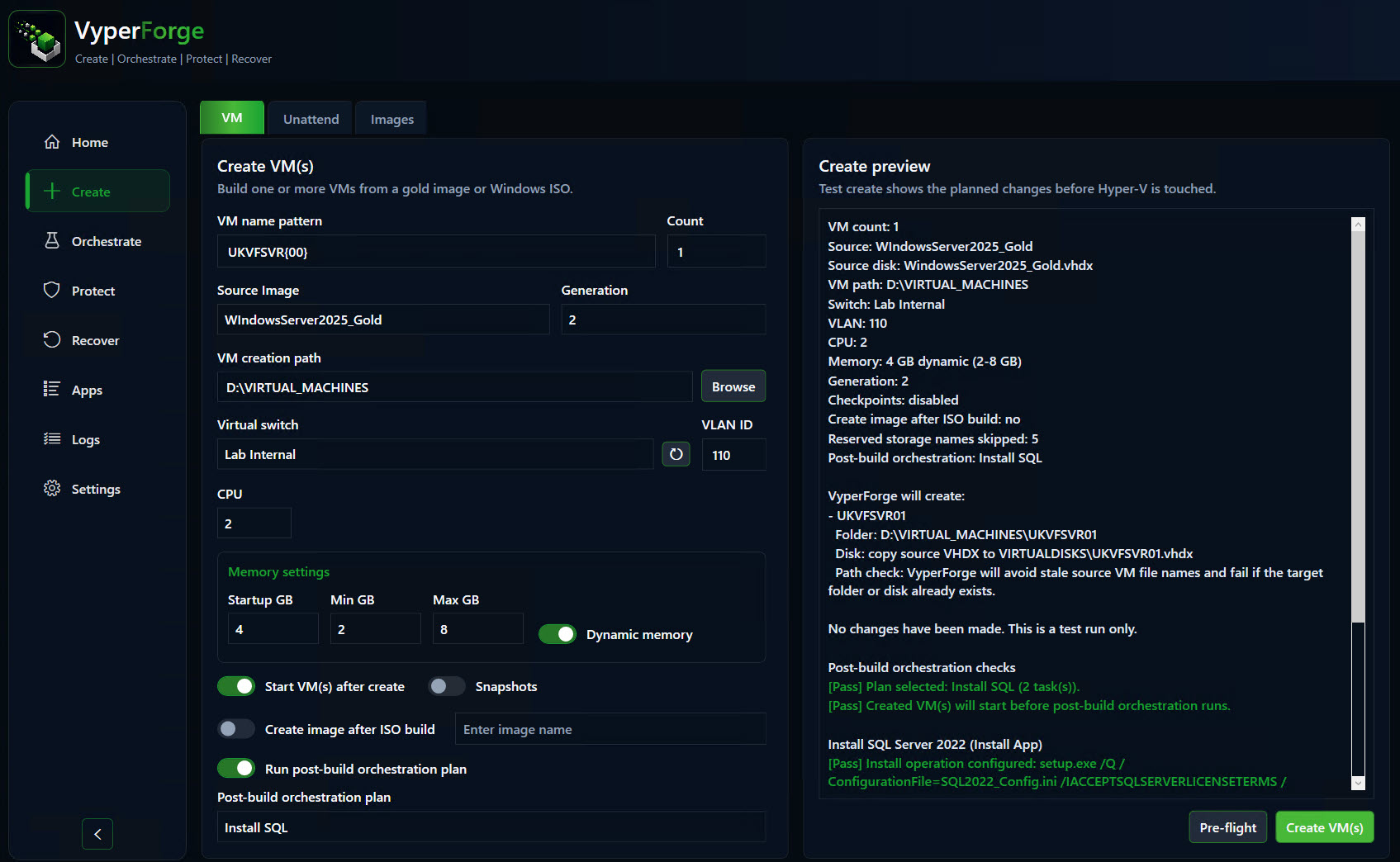
VyperForge screenshot: VM creation wizard. Generation, CPU, memory, switch and provisioning source.
VM creation wizardGeneration, CPU, memory, switch and provisioning source.
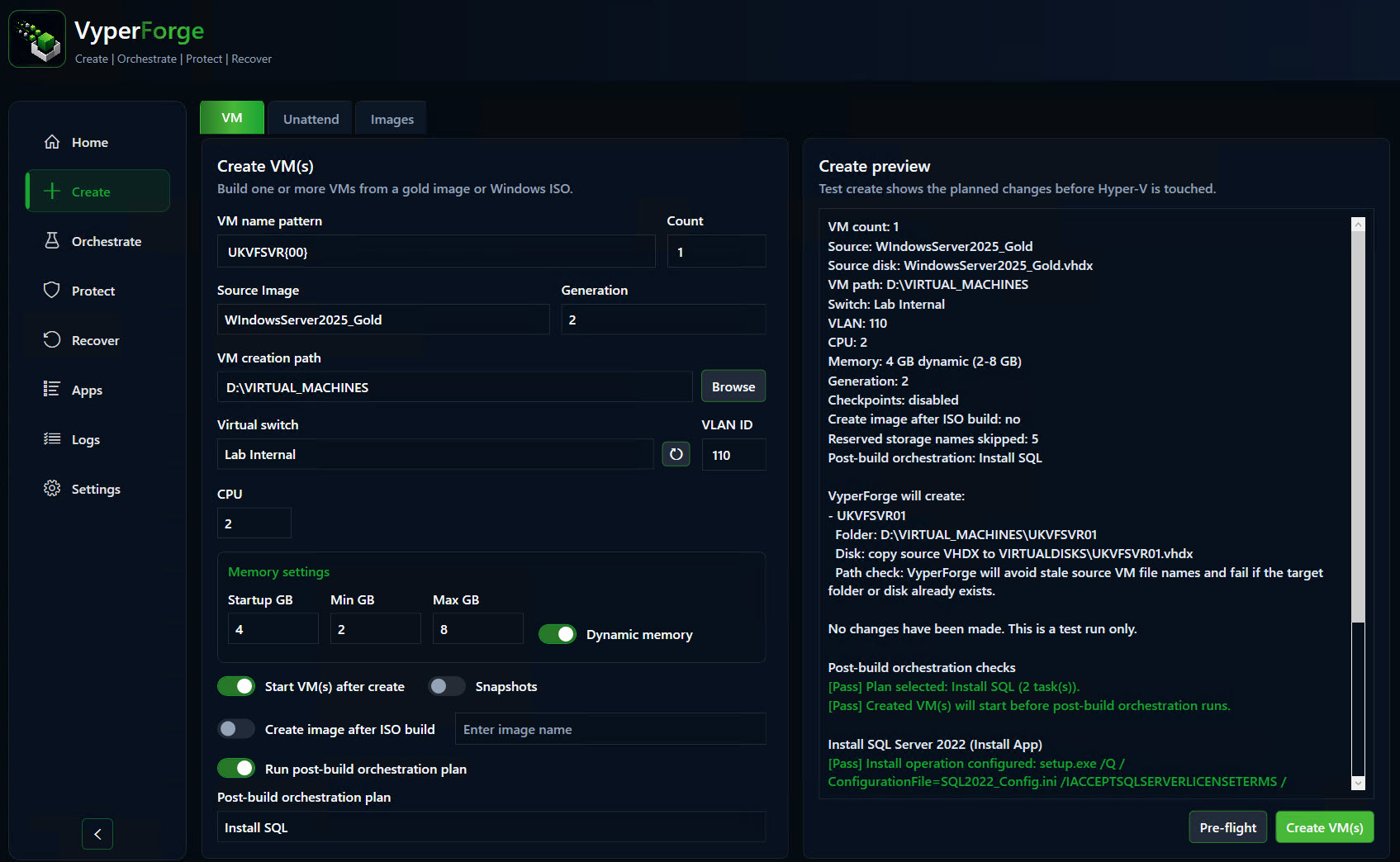
VyperForge screenshot: Multi-VM provisioning. Sequential naming and repeated VM creation.
Multi-VM provisioningSequential naming and repeated VM creation.
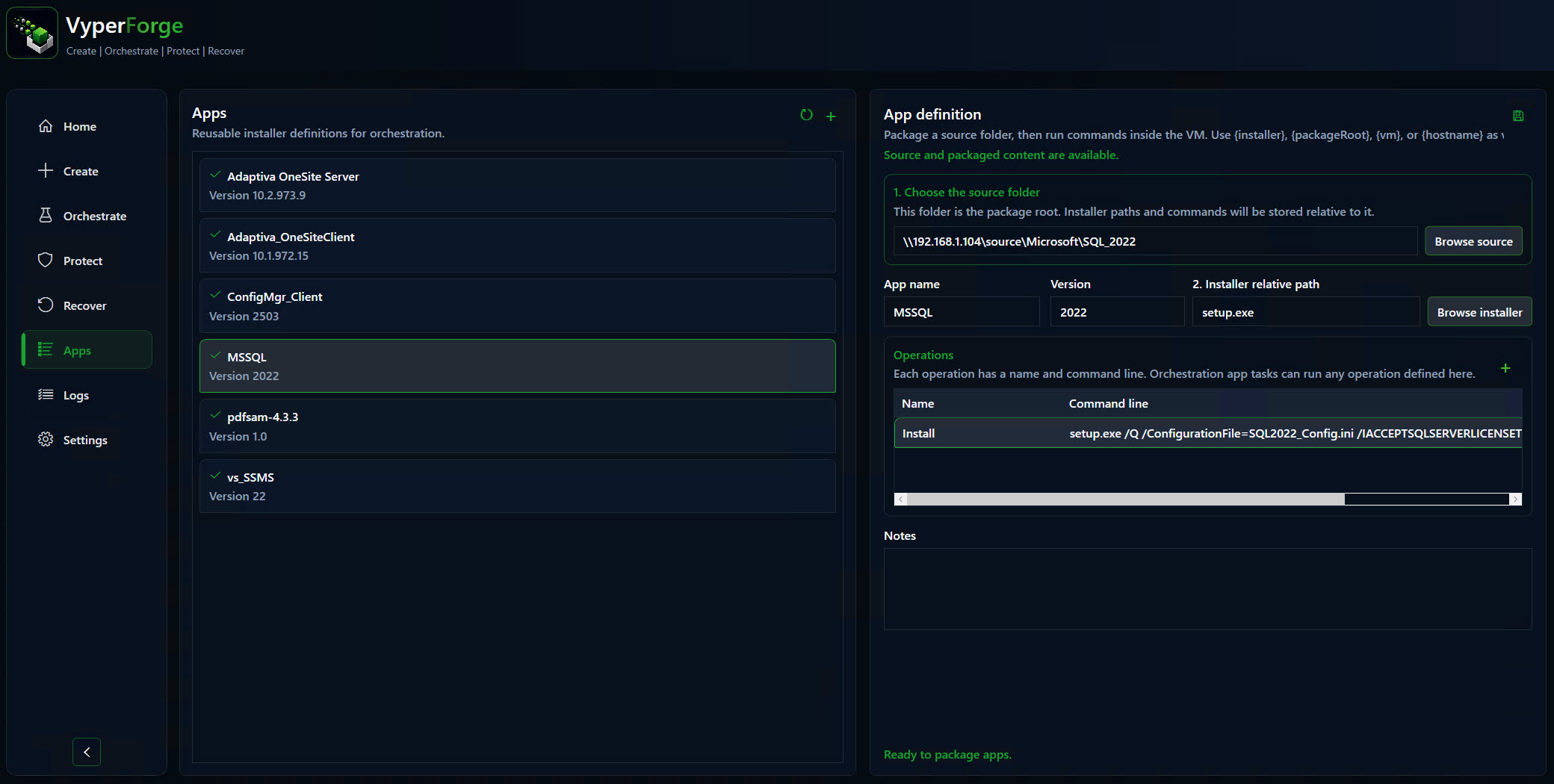
VyperForge screenshot: Gold image library. Reusable Windows and ConfigMgr lab images.
Gold image libraryReusable Windows and ConfigMgr lab images.
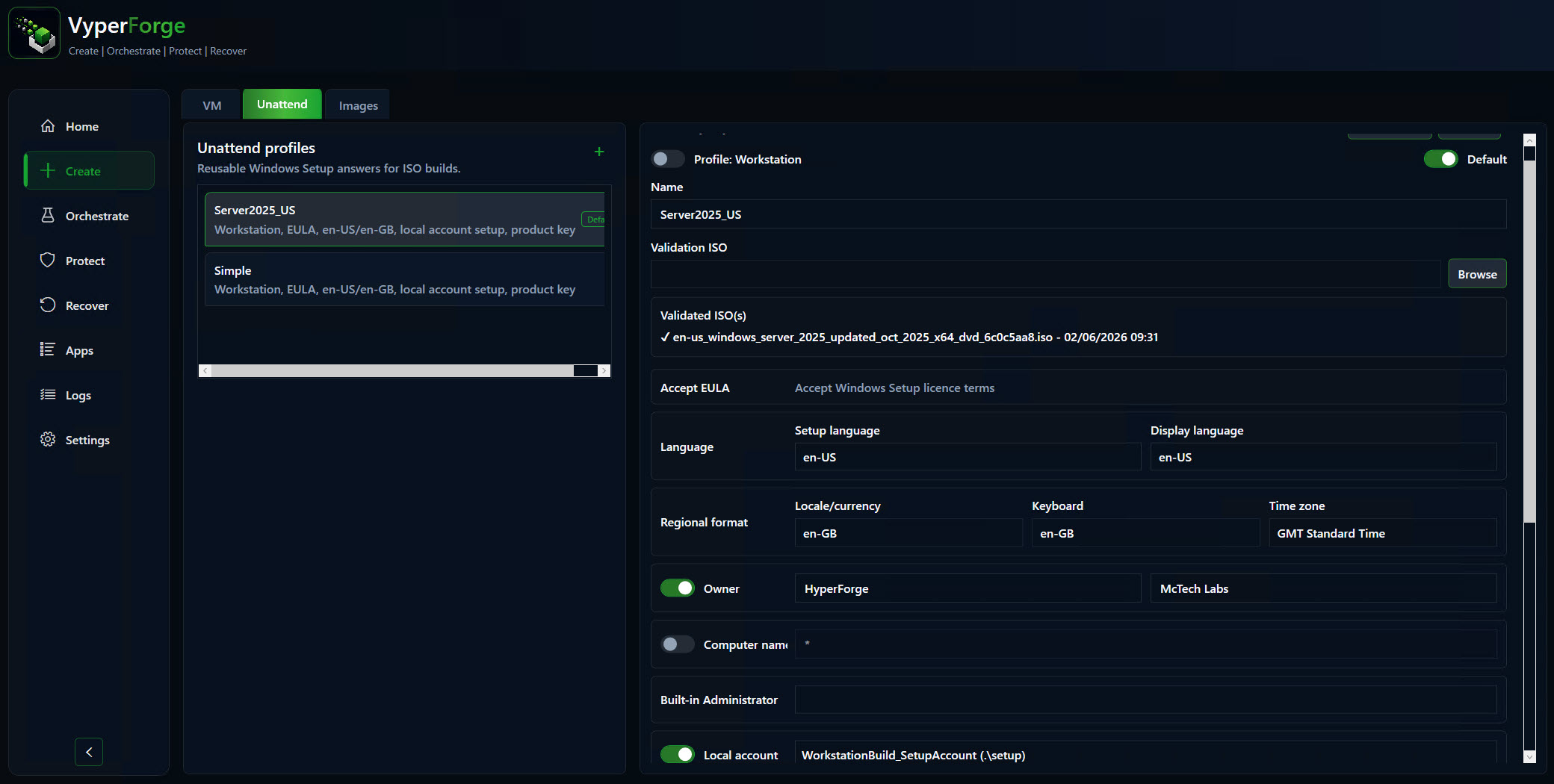
VyperForge screenshot: Unattended profile editor. Windows edition, language, account and first-logon settings.
Unattended profile editorWindows edition, language, account and first-logon settings.

Why VyperForge?

Practical advantages over native tools and loose scripts.

  • Reusable provisioning defaults instead of repeated manual choices.
  • Validation before VM creation starts.
  • Gold images and unattended setup in the same workflow.
  • Completed builds can immediately trigger orchestration.
  • Suitable for one VM or a repeatable multi-machine environment.

Example scenario

A practical way to use it.

A test engineer can rebuild a three-machine lab from the same image set every sprint, with naming, networking and post-build tasks applied consistently each time.

Real-world examples

Where this helps.

  • Deploy ten Windows 11 test machines with sequential names.
  • Create a clean ConfigMgr lab client image and reuse it across builds.
  • Build a new development VM and automatically run post-build configuration.
  • Prepare a Windows Server base VM from ISO with a standard unattended profile.

Related platform areas