Private Beta Registration Now Open -> Join the Beta

Home / Platform

Manage

See what is running, protected, waiting or at risk.

Manage brings host inventory, VM state, resource allocation, storage insights, protection coverage, active jobs and history into one operational workspace.

What problem does this solve?

Practical infrastructure work, made repeatable.

Small Hyper-V estates often rely on several tools: Hyper-V Manager, Explorer, scripts, backup folders, Teams messages and memory. That makes it difficult to answer simple questions quickly.

VyperForge gives operators a focused workspace for the state of the environment and the work currently in progress.

Typical workflow

How the workflow usually runs.

Discover hostReview VM inventoryCheck resourcesReview protection coverageMonitor active jobsInspect historyAct on warnings

Capabilities

What Manage covers.

Dashboard

Start with the operational state of the environment.

  • VM status
  • Host state
  • Warnings
  • Recent activity

Inventory

Understand the machines and hosts under management.

  • Virtual machines
  • Host inventory
  • Storage locations
  • Switches

Resource allocation

Spot pressure before it turns into failed builds or slow workloads.

  • CPU
  • Memory
  • Storage
  • Checkpoint age

Protection coverage

See which machines are protected and which are exposed.

  • Protected VMs
  • Unprotected VMs
  • Recent backups
  • Plan coverage

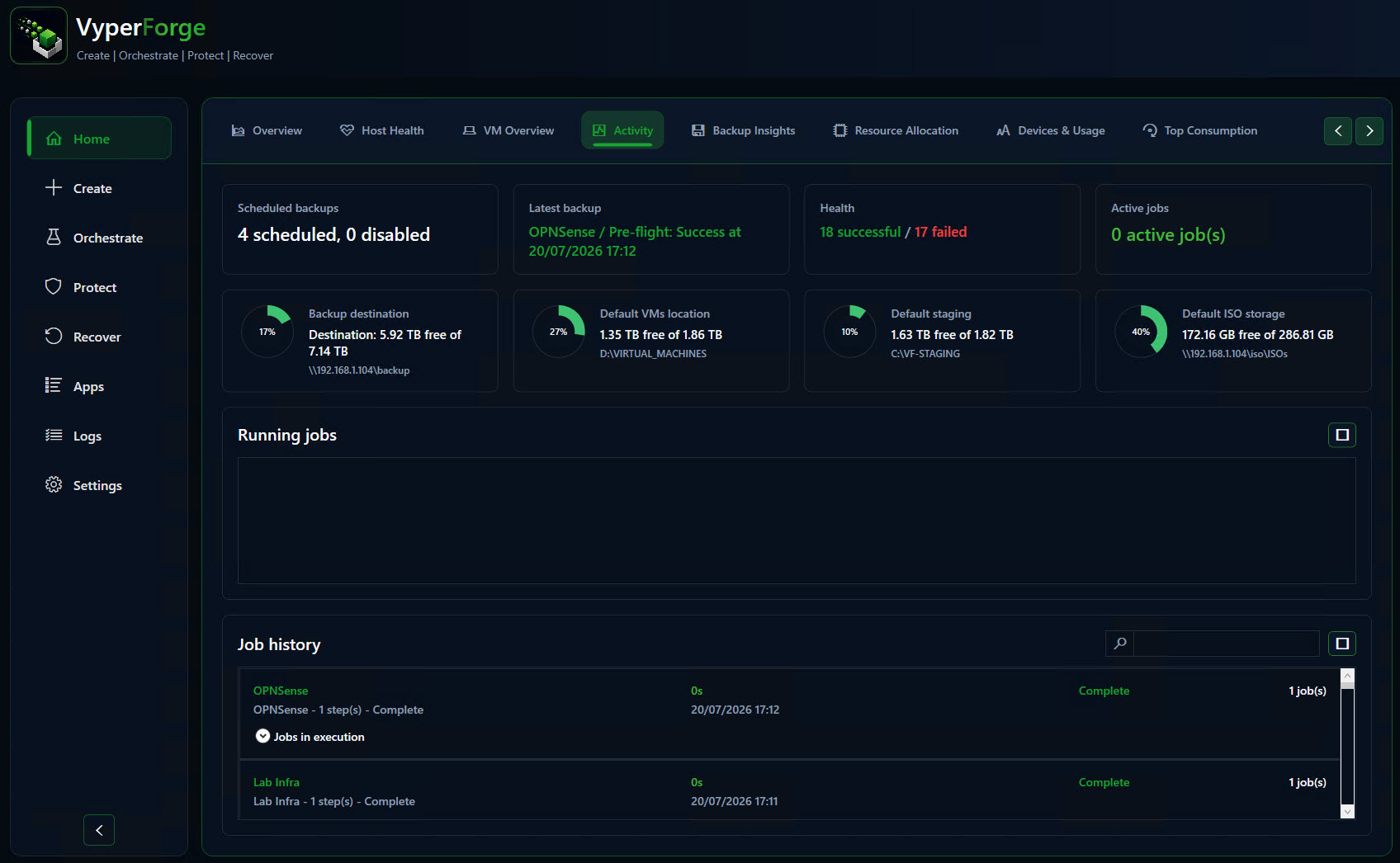
Active jobs

Track work currently in progress.

  • Creation jobs
  • Backup jobs
  • Orchestration jobs
  • Cancellation

Job history

Review previous operations and failure points.

  • Successful jobs
  • Cancelled jobs
  • Resolved failures
  • Duration

Logging and notifications

Keep enough information to investigate what happened.

  • Logs
  • Teams notifications
  • Warnings
  • Completion events

Cleanup

Reduce operational debris after builds, backups and recovery work.

  • Temporary files
  • Failed exports
  • Old artefacts

Key decisions

What to decide before you run it.

Operational view

Use one dashboard for jobs, health, warnings and recent activity instead of checking each host manually.

Signal over noise

Surface the status types that matter: running, completed, failed, warnings and attention-needed items.

Daily rhythm

Use history and job views to understand what changed today, what failed overnight and what needs action next.

Operational notes

How this fits real work.

Manage is the everyday surface for the product: less ceremony, more operational clarity.

It should help someone arrive in the morning and quickly understand whether their environment is healthy.

Product screens

See the workflow in VyperForge.

Product screens from the current beta build show how this capability appears in the desktop app.
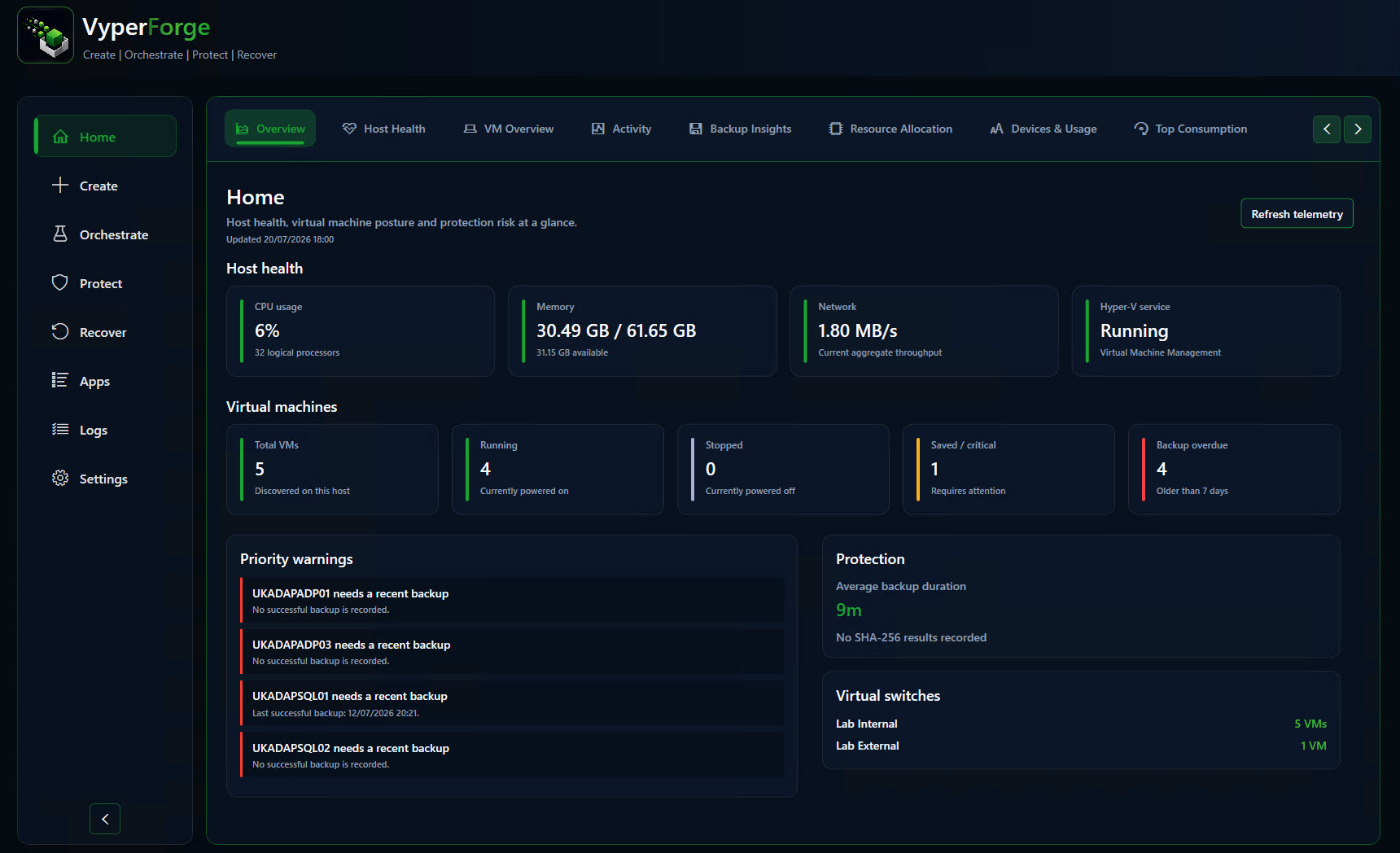
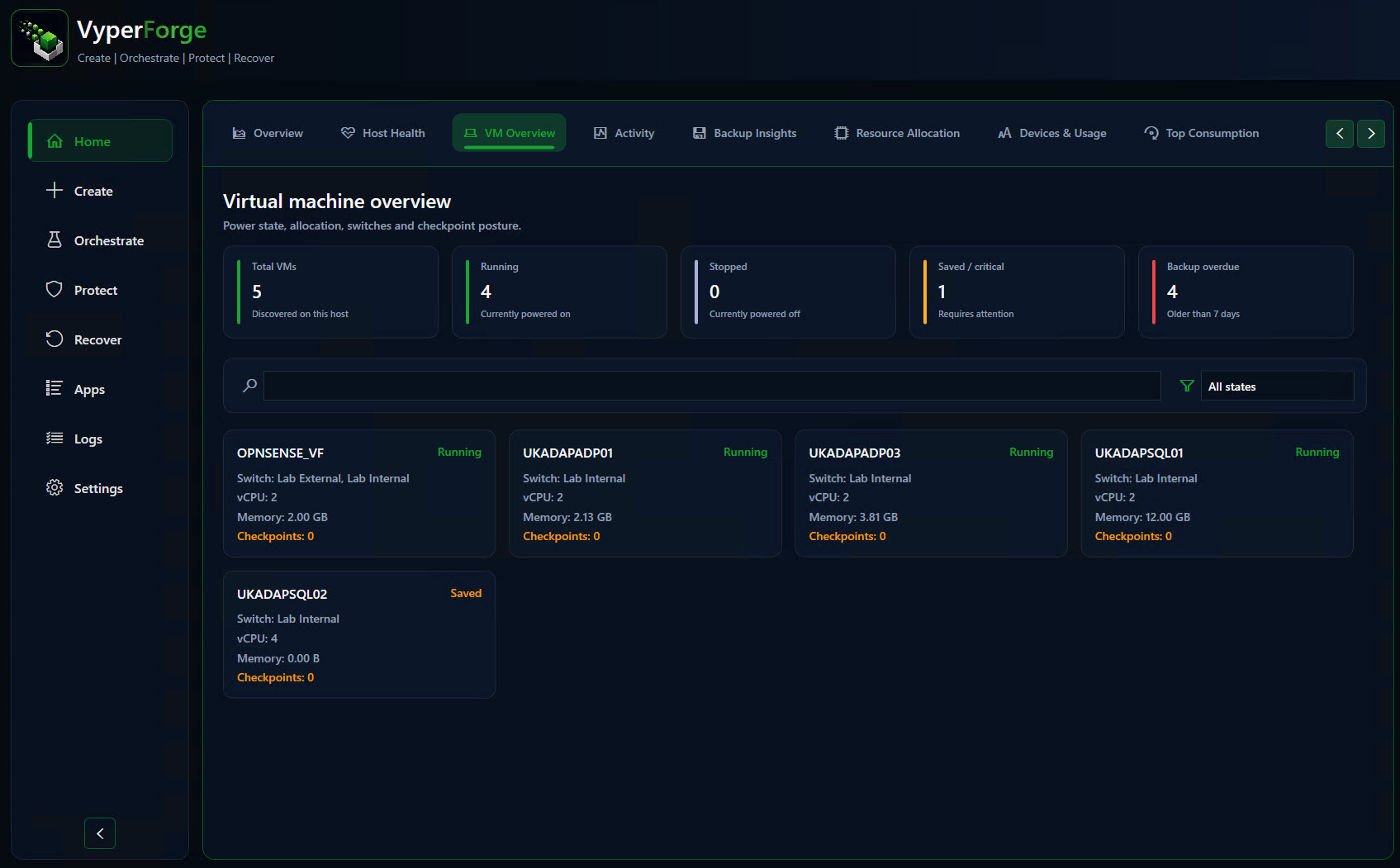
VyperForge screenshot: Dashboard overview. VMs, host resource health, storage and activity.
Dashboard overviewVMs, host resource health, storage and activity.
VyperForge screenshot: Active jobs. Creation, backup and orchestration jobs.
Active jobsCreation, backup and orchestration jobs.
VyperForge screenshot: Operational history. Successful, cancelled and resolved operations.
Operational historySuccessful, cancelled and resolved operations.
VyperForge screenshot: Host health warnings. Storage, checkpoint and allocation warnings.
Host health warningsStorage, checkpoint and allocation warnings.

Why VyperForge?

Practical advantages over native tools and loose scripts.

  • One operational workspace instead of jumping between tools.
  • Protection coverage is visible beside VM state.
  • Active jobs and history explain what VyperForge is doing.
  • Warnings help prevent avoidable build and backup failures.
  • Useful for labs, demos and smaller production estates.

Example scenario

A practical way to use it.

An admin can see that a protection job failed, drill into activity, and understand whether the issue is storage, credentials or host availability.

Real-world examples

Where this helps.

  • Check whether a lab is protected before running destructive tests.
  • Find active backup and orchestration jobs from one place.
  • Review why a build failed yesterday.
  • Spot old checkpoints or low storage before starting a new environment build.

Related platform areas